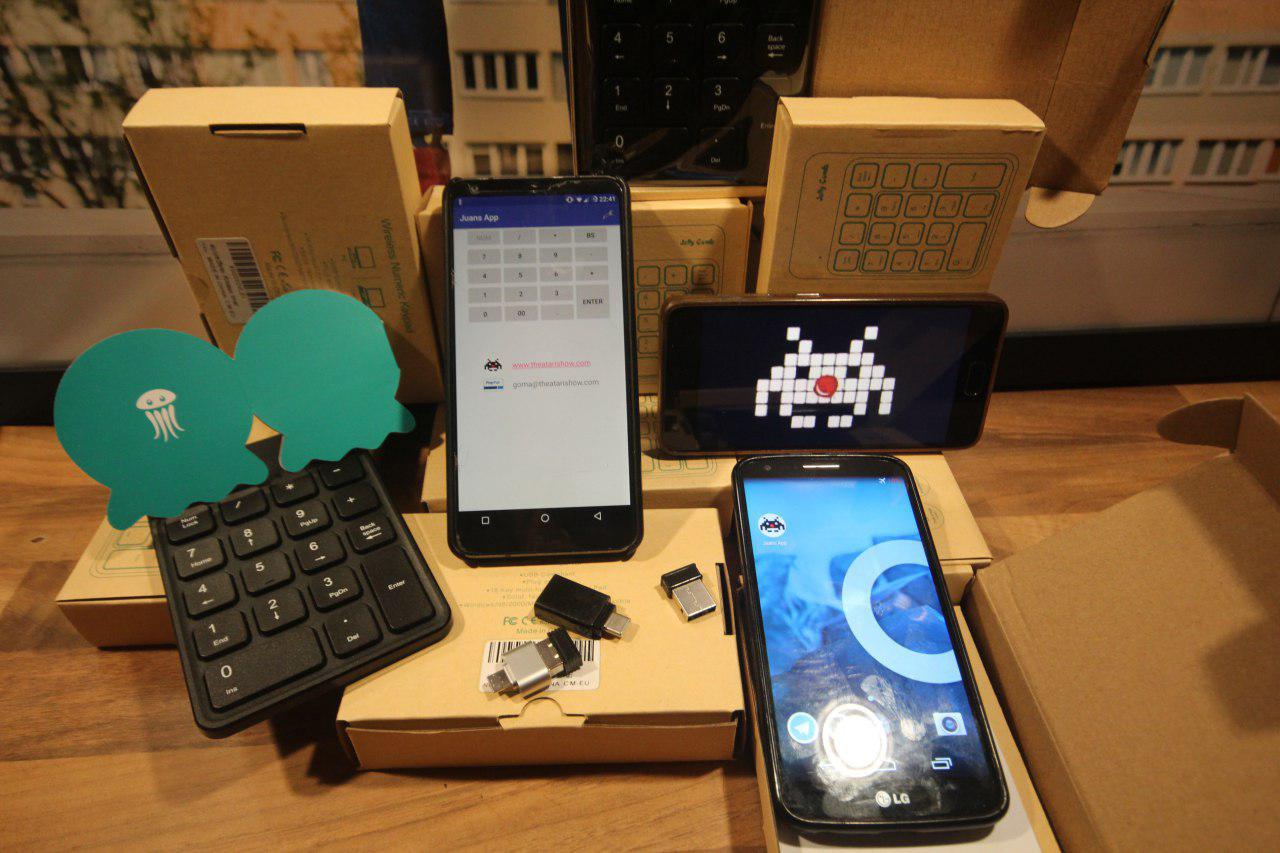
JuansApp is an Install/Plug and Play remote control for triggering sound tracks on an Android device.
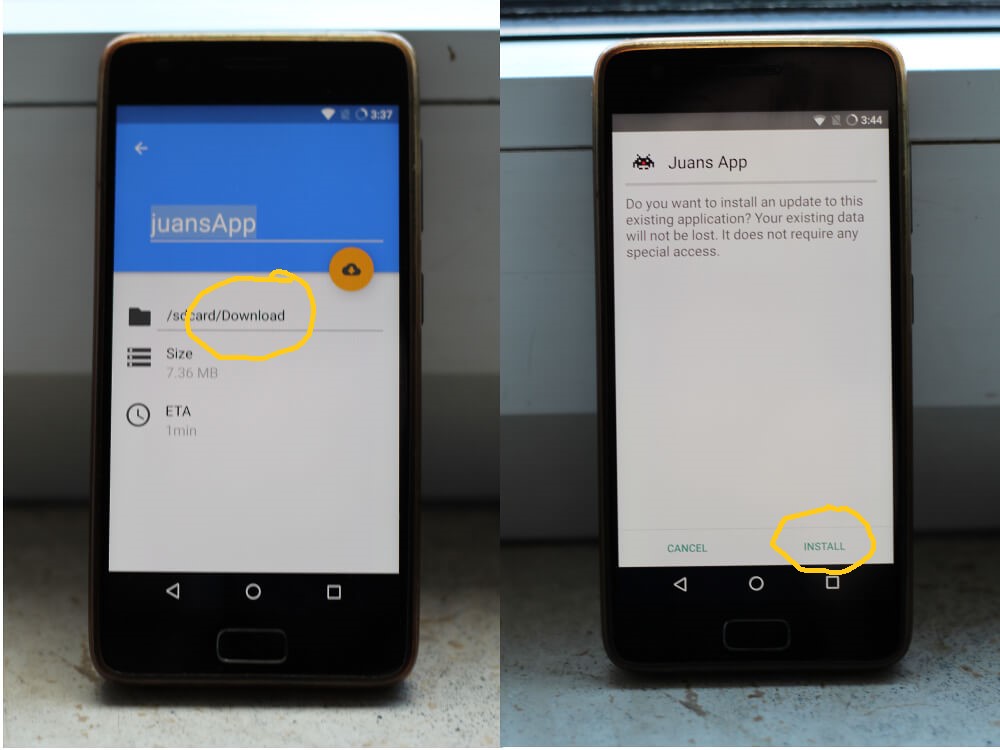
Once you download JuansApp .apk file, you must allow "Unknown Sources" on the settings of your Android Device:
go to settings>security>allow unknown sources or go to settings>apps>advanced>allow unknown sources.
When the permission is granted, you can proceed to install the app.
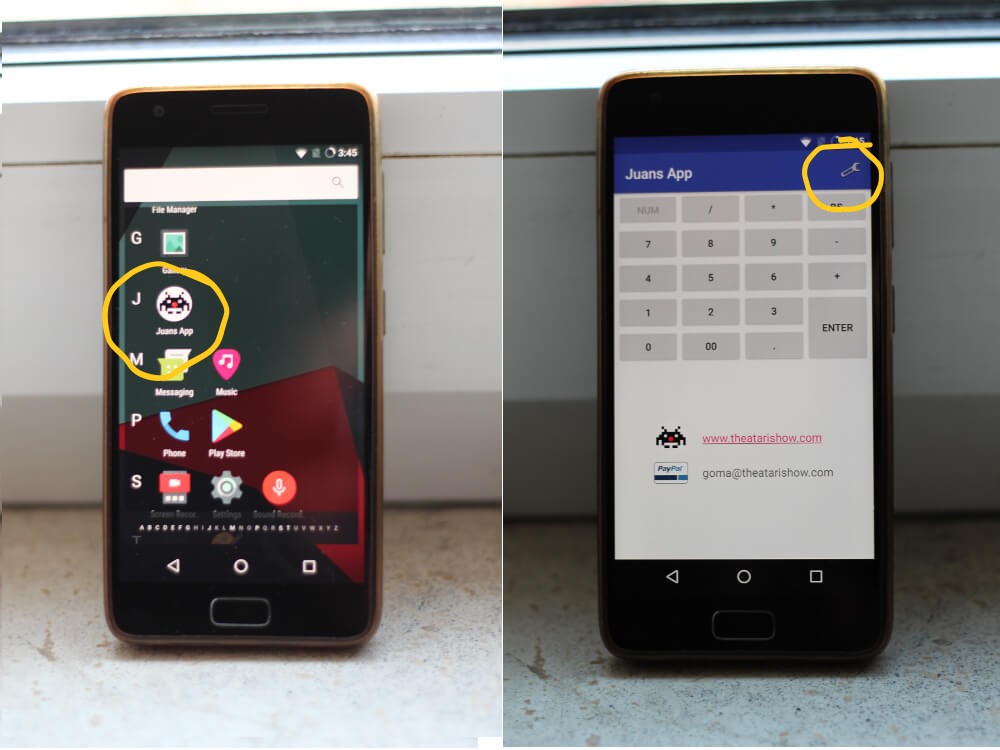
Now that the app is already installed , launch the app and tap the tool symbol that is located on the top right corner
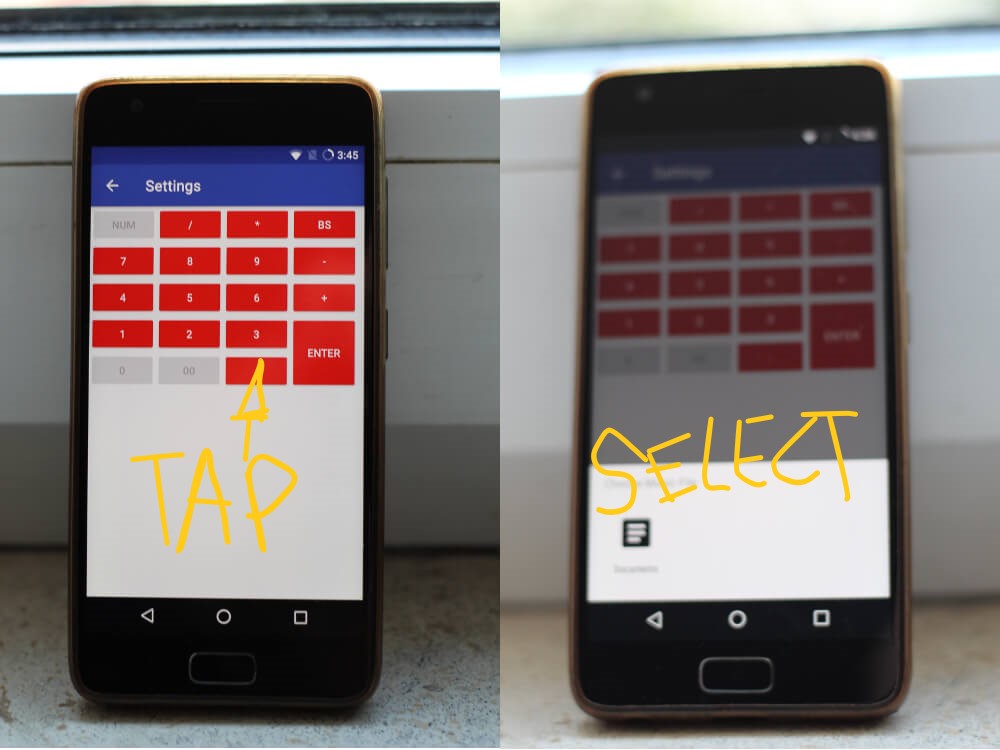
As the color of the pads change, you are ready to assign sound tracks to the red colored buttons,
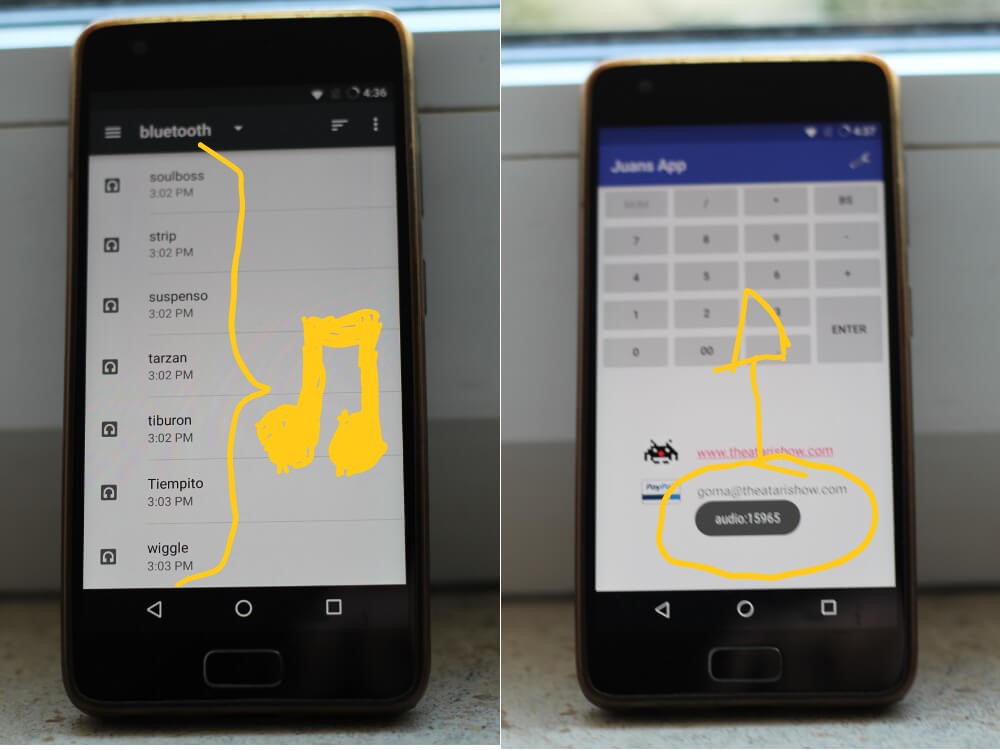
there is a number of 16 buttons that can be assigned. Tap the button you want to assign and it will open your file manager library
Once you set all the tracks that you need for your act; you can press back and get back to the main app interface,
now you are ready to play the sounds from the assigned buttons.
The next step is to connect the numeric keypad to the device;
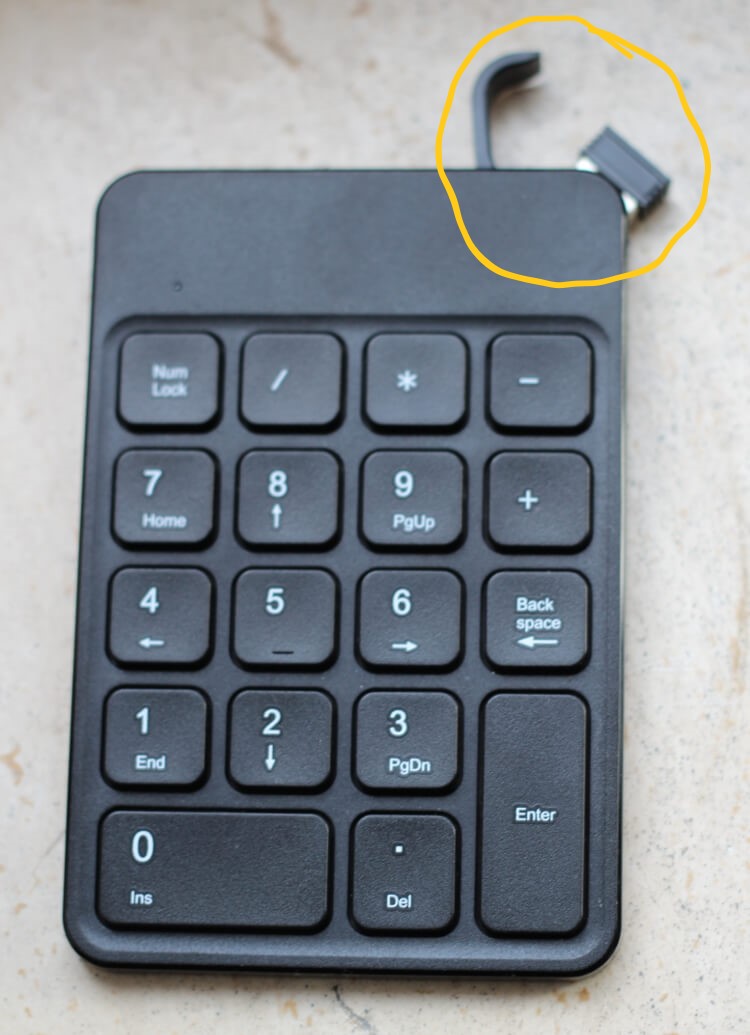
Take out the 2,4ghz Reception DONGLE that is stored on the top right corner of the numeric keypad.
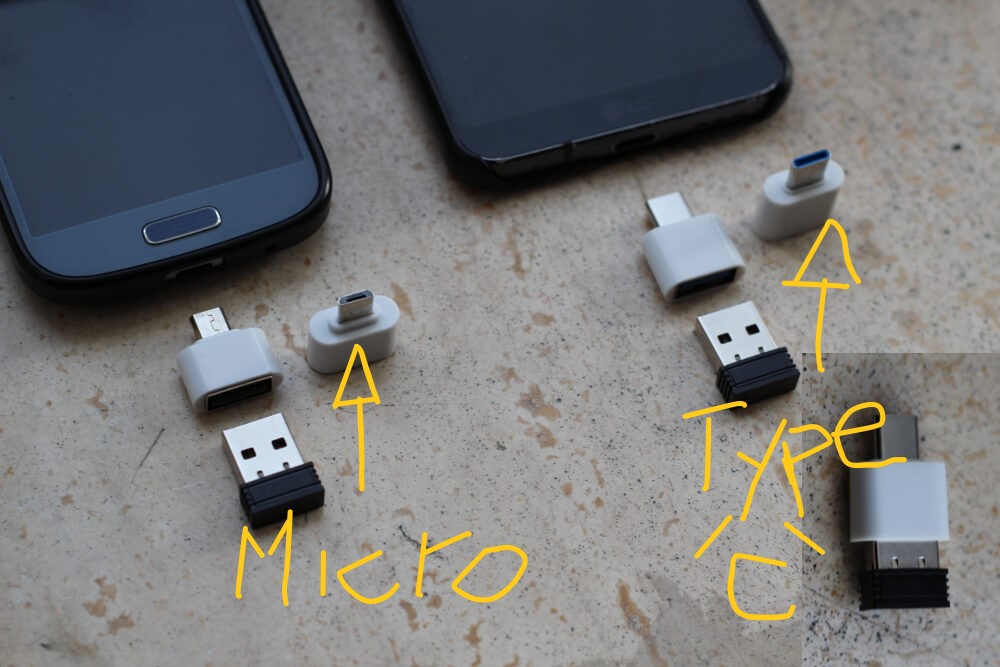
Connect the dongle to the usb otg adapter (there are 2 versions according to the device you will use: micro usb or usb type C).
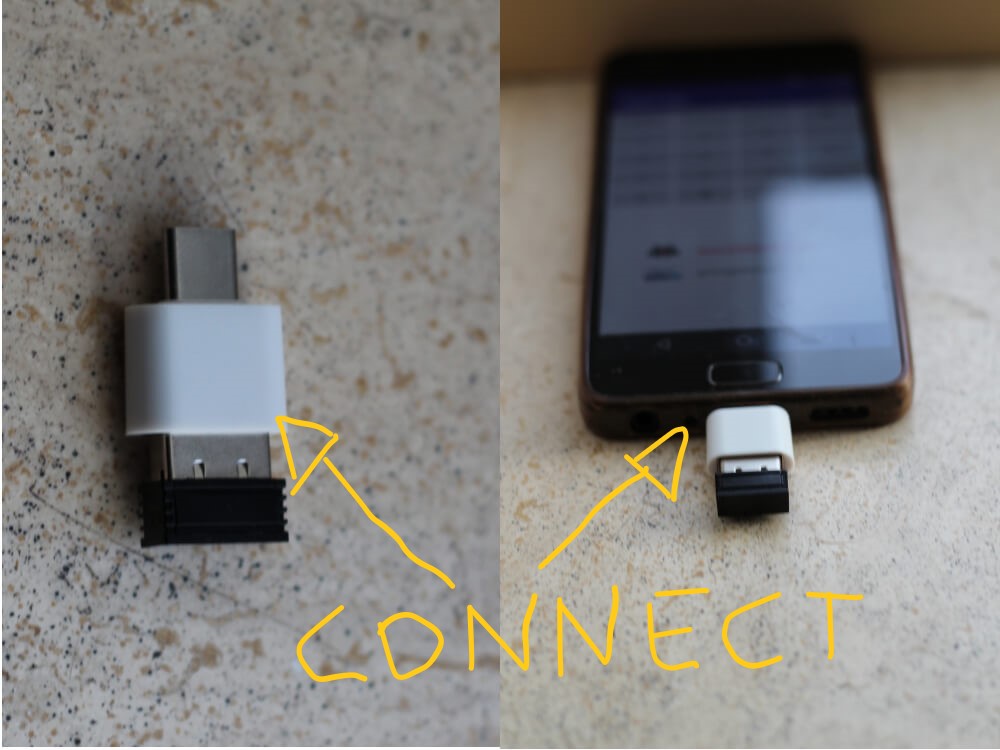
Once the dongle is attached to the usb otg adapter you can connect that to the device.
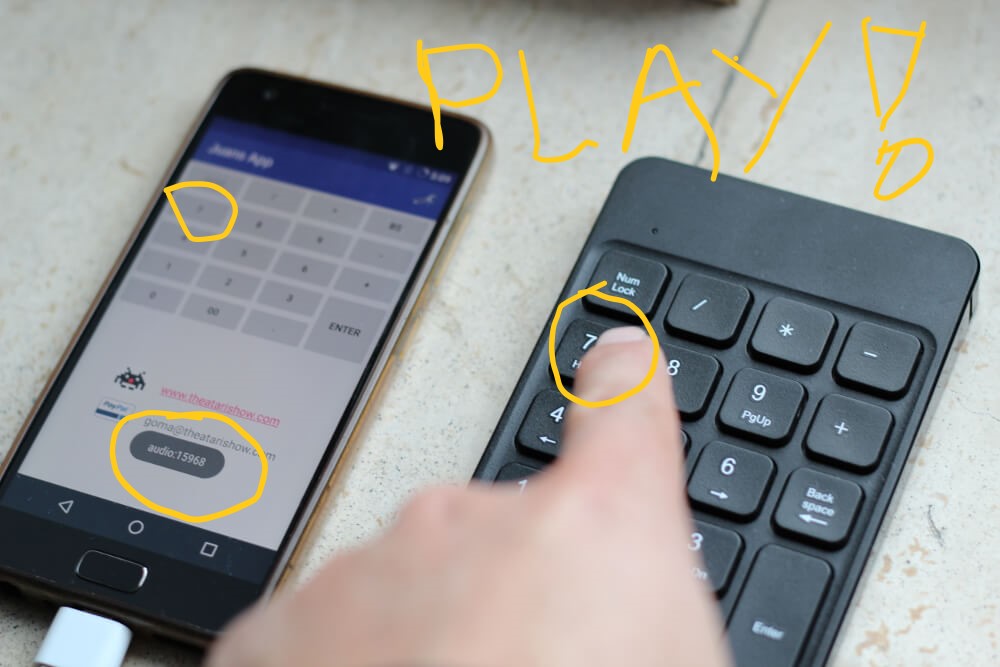
When you turn on the numeric keypad it should be ready to playback the tracks
Connect your device via audio cable to a speaker or PA.
Now when you press a key on the numeric keypad it will trigger the assigned button on the device,
you have a connection range that covers at least 8-10 meter radius.
The developer and support team involved on this project: sdgp (@took), michal maciak, ezequiel abuaf and misterM juggling toys.